

Trackpad Bluetooth Wireless 2.4G Wired Touchpad Touch Pad Rechargeable Trackpad Mouse for Laptop PC Pad White
Product details
| Management number | 222564591 | Release Date | 2026/05/04 | List Price | US$12.58 | Model Number | 222564591 | ||
|---|---|---|---|---|---|---|---|---|---|
| Category | |||||||||
Beuiouer Connection method:2.4G Receiver Mode:1. Insert the receiver into a device with USB (please that the USB interface of your computer device is available)2. Please turn on the power switch, push it to the ON position, short the mode switch button, and the green light turn on.Bluetooth Wireless Mode:1. Please turn on the power switch, short the code matching button until the light on display 8 lights up. Long the wireless code matching buttonfor 3 seconds, and the light indicator flash to enter the code matching mode2. Open the computer settings for wireless search, find "HL Trackpad", and then click on the pairing name to connect.Wired mode:1. Please turn on the power switch, push it to the ON position, short the modeswitch button, and when the * red lights are displayed,Insert the Type-C cable, it can be used.Parameters:Working voltage: 3.7V(Bluetooth Wireless/2.4G)Working voltage: 5V (Wired mode)Charging current: 5V 300mA: 10 minutesProduct interface: Type-CSleep current: 0.3-0.8mAAdaptation system: Win 8+/for OS 15.1+/for OS 14.5+Connection method: Bluetooth Wireless/2.4G/USB-C WiredColour:WhiteMaterial:ABC+PCPackage Contents:1 x touchpad1 x 2.4G receiver1 x type-c charging cableOnly the above package content, other products are not included.Note: Light reflection and different displays may cause the color of the item in the picture a little different from the real thing. The measurement allowed error is +/- 1-3cm.
- Precise touch and smooth sliding: Multi touch technology makes your operation comfortable, delicate, and smooth.
- Compact, , and easy to carry. Keeping pockets and bags and traveling does not take up space.
- Multiple connection methods: 2.4G Mode, BT Wireless Mode, Wired Mode.
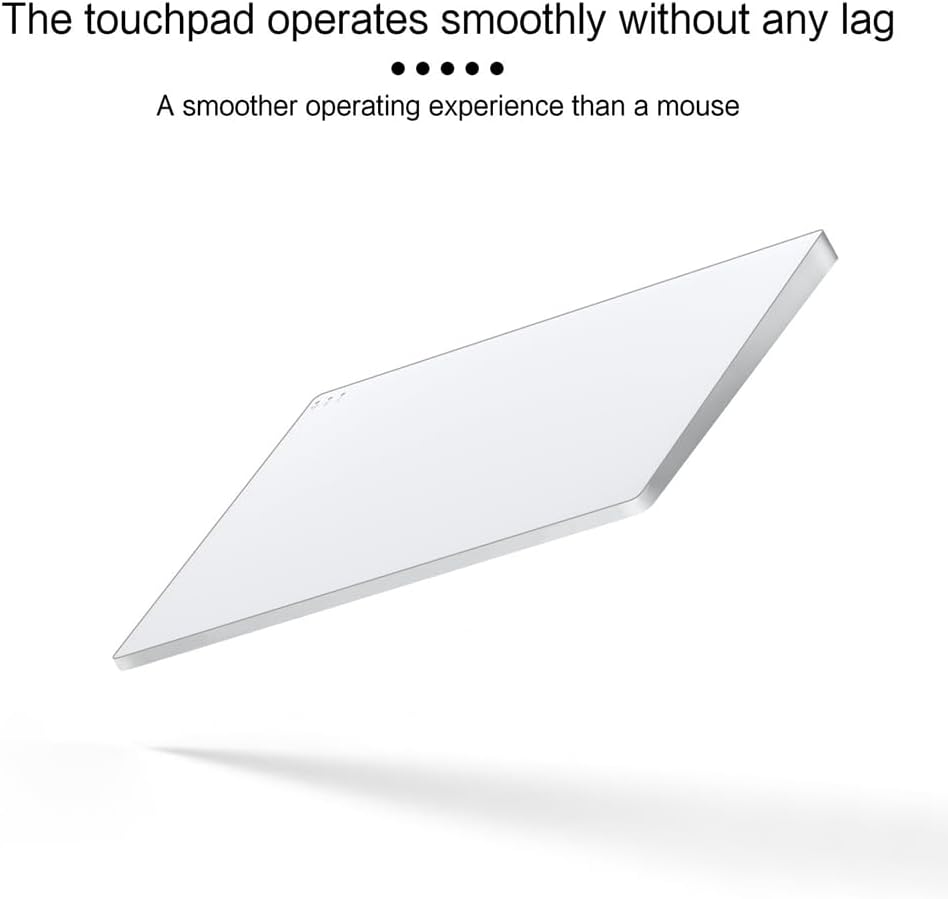
- Multi functional gesture touchpad, A smoother operating experience than a mouse.
- Requirements: For MacOS 15.1 or later; For iPadOS 14.5 or later; For 8 or later. (Note: Please use a receiver or wired connection for OS, wireless is not compatible with gestures.)
| Batteries | Unknown batteries required. (included) |
|---|---|
| Item Weight | 12.7 ounces |
| Manufacturer | Beuiouer |
| Package Dimensions | 9.45 x 6.69 x 1.18 inches |


Bestseller ranking
Touch Pads


Correction of product information
If you notice any omissions or errors in the product information on this page, please use the correction request form below.
Correction Request Form